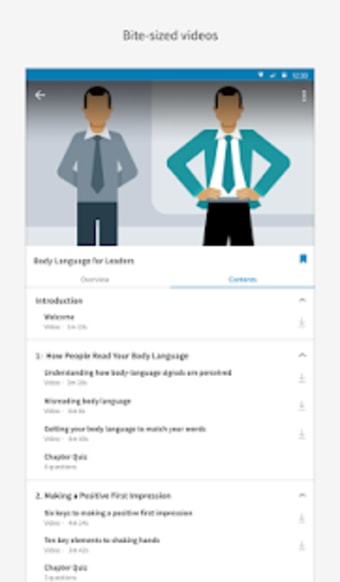
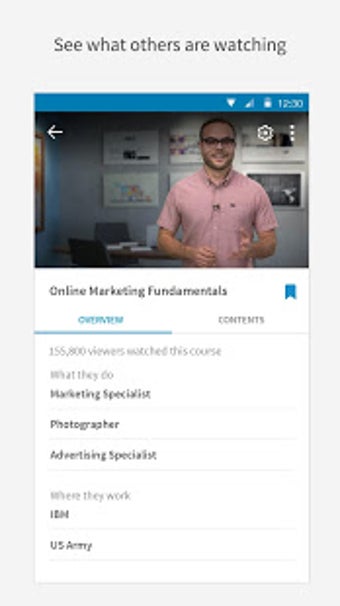
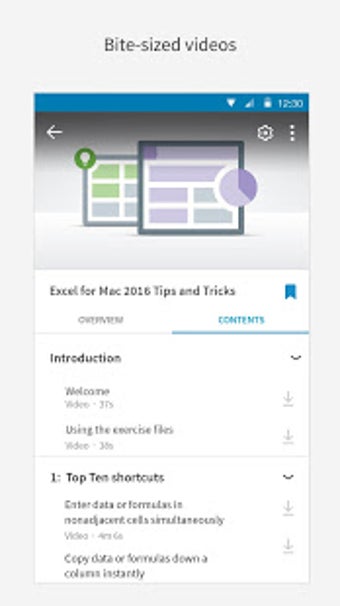
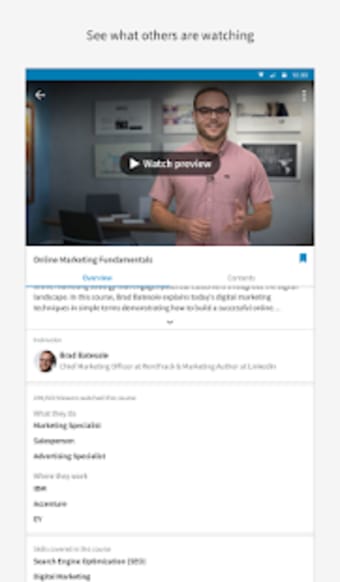
is an educational app that offers a wide range of online courses that you can view whenever, wherever. A new initiative from the popular business and employment site LinkedIn, this app helps you advance your career by providing bite-sized video courses taught by various industry experts.
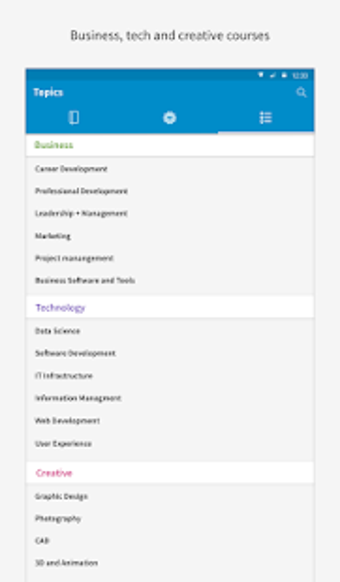
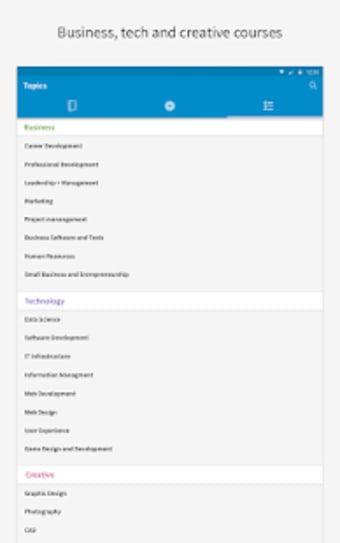
LinkedIn Learning helps users discover the most in-demand skills in business, technology, and creative industry. It provides access to more than 4, 000 courses, with more added each month, all of which taught by industry experts. Whether you are looking to enhance your leadership skills or wanting to learn how to build a mobile app or how to use particular software, you can find it in this app.
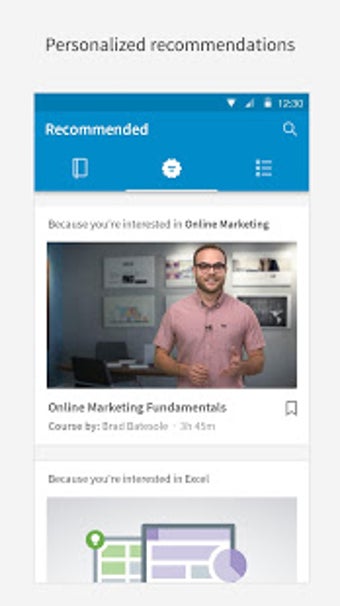
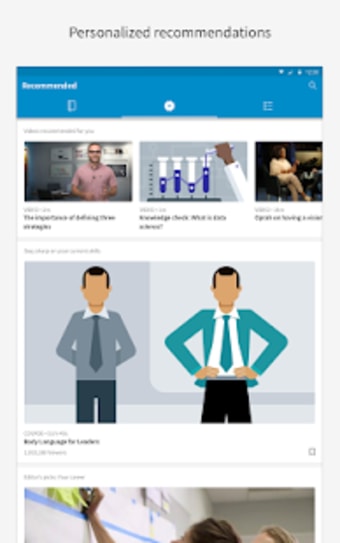
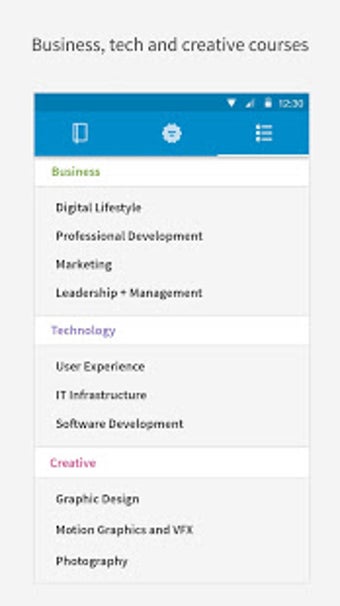
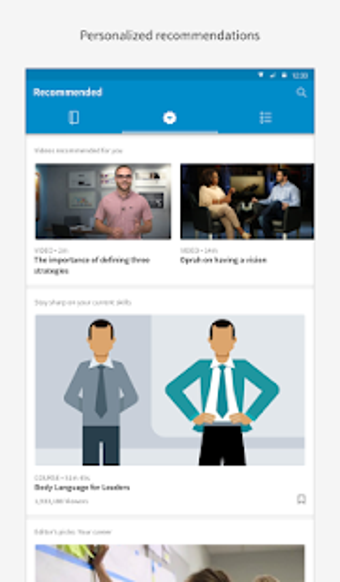
Also included in this app’s list of available courses are marketing, management training, photography, and graphic design. You can also watch web and interactive design tutorials, 3D animation, and programming. LinkedIn Learning also offers personalized recommendations which take into account your chosen field.
But what makes LinkedIn Learning better than other e-learning applications is its learning paths. This feature is a helpful tool for users who are looking to transition in another field. With this, you don’t have to look for random videos and classes in any given field. You can simply pick your path, and the app will give you a structured learning experience. Users must understand though that the courses on the learning path will only give you the essential knowledge you need to start a new career. It will not in any way make you an instant expert.
Learn New Skills the Easy Way
LinkedIn Learning offer curated courses for a guided learning experience. There is a lot of courses that you can get into, all of which are sorted into three categories for easier searching. Additionally, the app also recommends videos that are most popular to other users. And, if you already have an idea on what you want to learn, you just key in the topic in the search bar, and the app will give you a list of different courses on the topic.
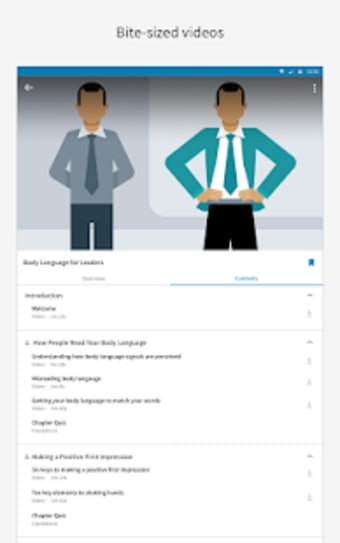
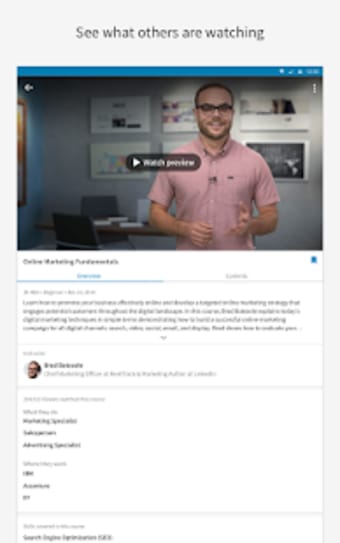
Aside from video instructions, each course also comes with a text overview and content list. These transcriptions are a major plus as it makes taking notes more convenient. With this, you won’t need to rewind the video or play it again when you missed something. The transcripts are found beneath every video.
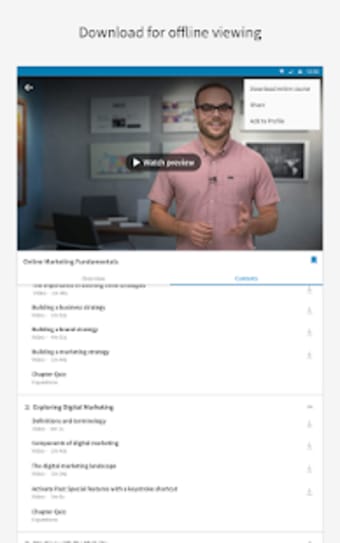
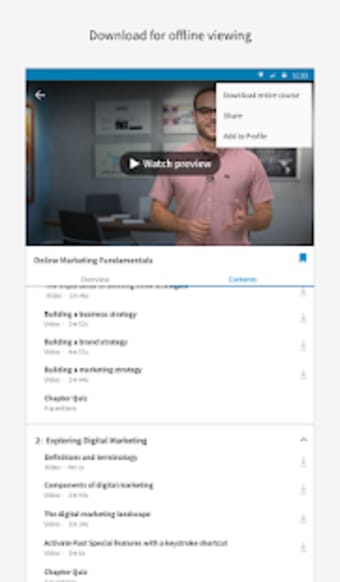
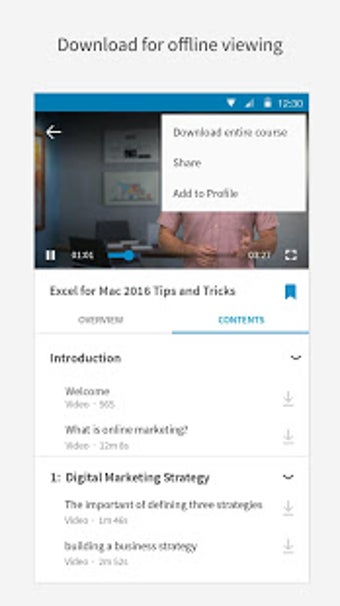
Speaking of video, LinkedIn Learning offers the option to view videos at more than 1x speed, perfect for those who use podcast-listening apps. You can also save courses to watch them at a later time or download them to your device for offline viewing. A quick warning though, downloading the video courses may take up a lot of your storage.
Should You Use It?
While there may be a plethora of articles available online, downloading LinkedIn Learning to your device is definitely worth it. The skills you can gain can be a big help not only in your employment but for your personal development as well. After all, there is always stiff competition in every company. So, the better you stand out, the easier it is to get a promotion or a raise, and even look for a better job.
Before downloading, you can take a quick look at the permissions this app may request on your device. App permissions allow certain features to work properly, such as accessing your camera to take photos, your location for maps, or your storage to save files.
In this section, you’ll find a clear and simple overview of the types of permissions the app uses, grouped by their level of sensitivity, along with a visual breakdown to help you understand them at a glance. This way, you can see how the app interacts with your device and decide to download with confidence.
Permissions types
Standard
42%
Non-standard
8%
Sensitive
50%
Permissions distribution
Privacy
42%
Data collected
25%
Data shared
33%
Data safety info
Privacy
5 permissions
Permissions that allow the app to access personal or sensitive information stored on your device, such as location, contacts, camera, or microphone.
android.permission.FOREGROUND_SERVICE
Standard
android.permission.USE_BIOMETRIC
Sensitive
android.permission.USE_FINGERPRINT
Sensitive
android.permission.WAKE_LOCK
Standard
android.permission.RECEIVE_BOOT_COMPLETED
Standard
Data collected
3 permissions
Information the app may gather from your device or usage activity to enable features, personalize content, and improve overall performance.
android.permission.ACCESS_NETWORK_STATE
Standard
android.permission.CAMERA
Sensitive
android.permission.READ_EXTERNAL_STORAGE
Sensitive
Data shared
4 permissions
Information that may be shared with trusted third parties to provide services, support app functionality, or deliver relevant content.
This report summarises the permissions declared by the app at the time of scanning and groups them into Privacy, Data collected and Data shared. A declared permission shows what the app can access, it does not necessarily mean personal data is collected or transmitted. For full details check the app’s privacy policy and the developer’s clarifications shown below. Softonic generates this report automatically from the package metadata; it is informational and not a substitute for a full security or privacy audit.
Laws concerning the use of this software vary from country to country. We do not encourage or condone the use of this program if it is in violation of these laws. Softonic may receive a referral fee if you click or buy any of the products featured here.